> For the complete documentation index, see [llms.txt](https://docs.simflypad.com/v1/llms.txt). Markdown versions of documentation pages are available by appending `.md` to page URLs; this page is available as [Markdown](https://docs.simflypad.com/v1/cn/kuai-su-ru-men/getting-started-with-fdr-plugin.md).
# FDR 插件入门指南
## 配置
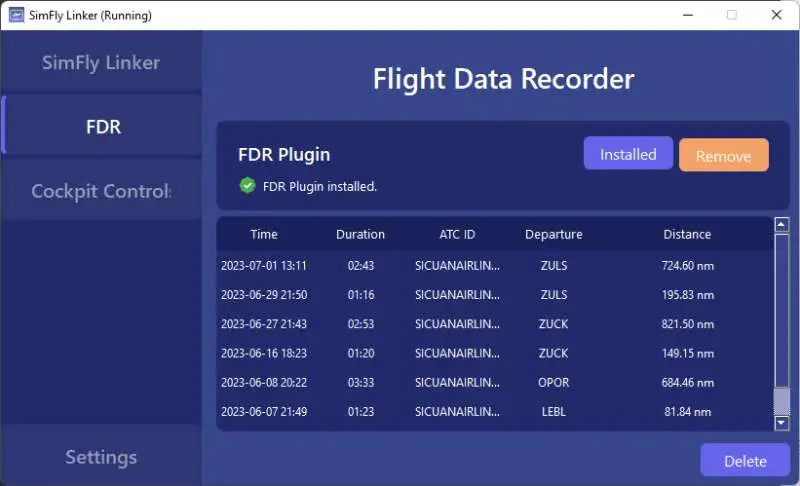
启动 SimFly Linker 后,在 FDR 页面点击 install,即可完成 FDR 插件安装。
FDR 安装完成后,你的每一次正常飞行(需要持续超过 5 分钟,且飞机位置移动超过 5 海里),都会生成一个 FDR 文件。
## 查看 FDR 记录
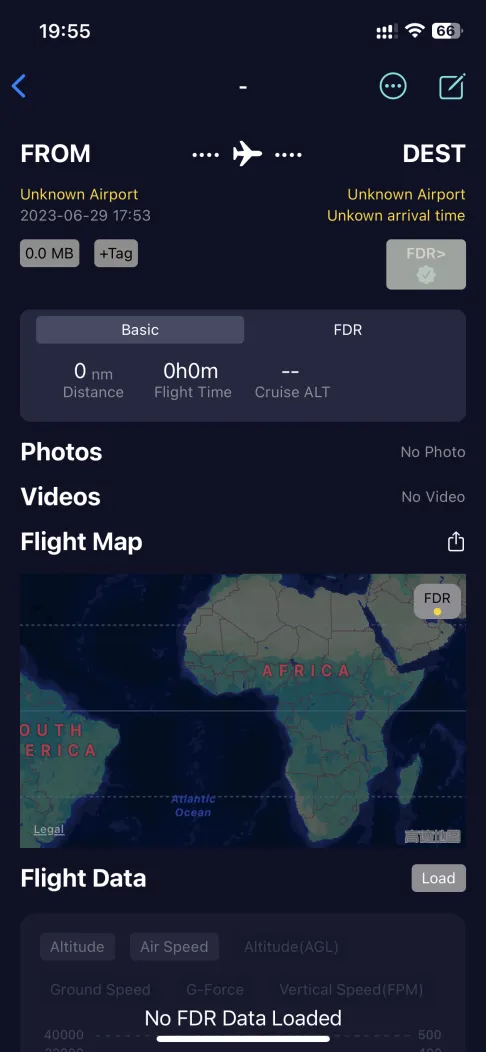
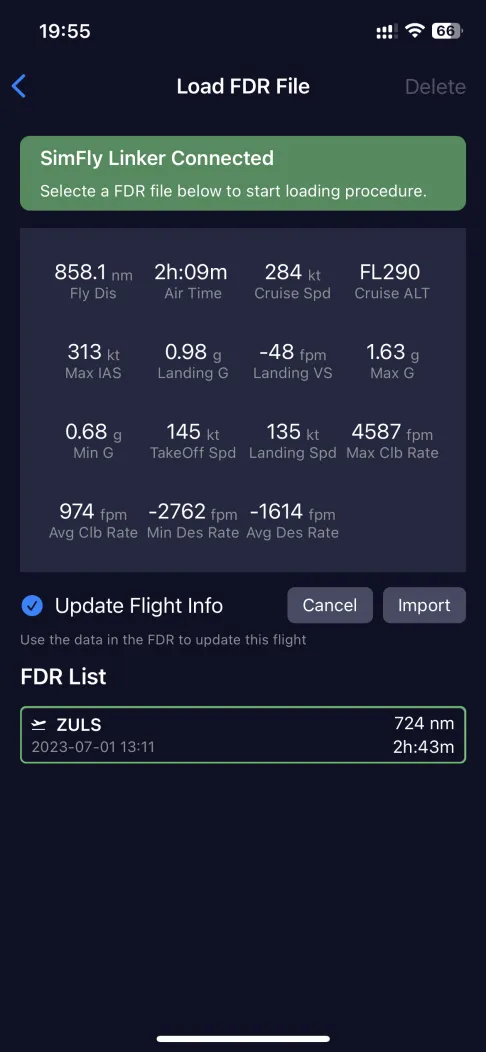
在 SimFly Pad 的飞行记录页面中,你可以点击 FDR 按钮导入并查看 FDR 文件。